> ## Documentation Index
> Fetch the complete documentation index at: https://docs.terrareach.com/llms.txt
> Use this file to discover all available pages before exploring further.
# Contact Database
> How to add contacts to your account
In order to run a successful SMS campaign for your business, you need to have a good contact database of your clients. If you have contacts, go to the "Contacts" tab.
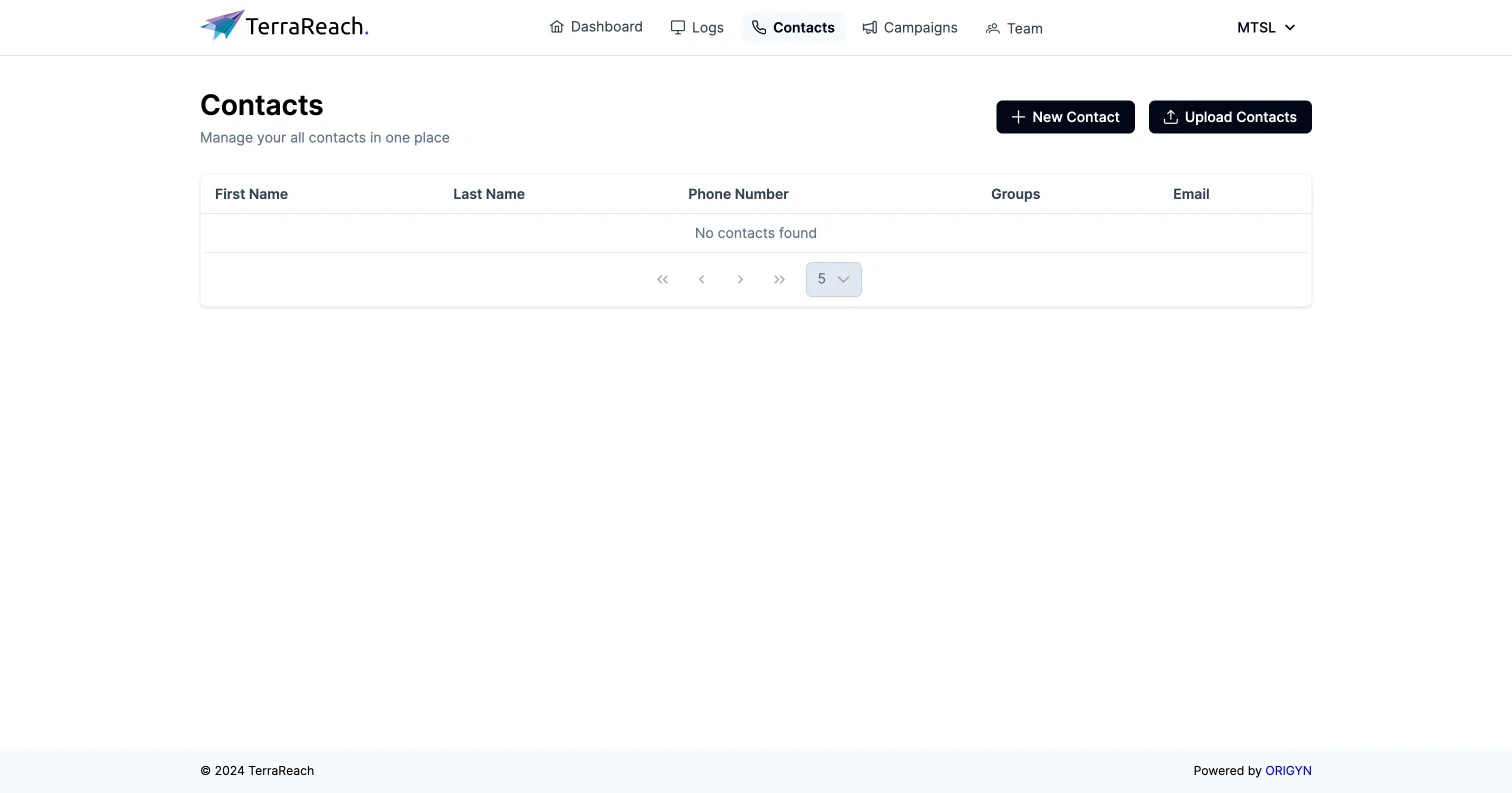
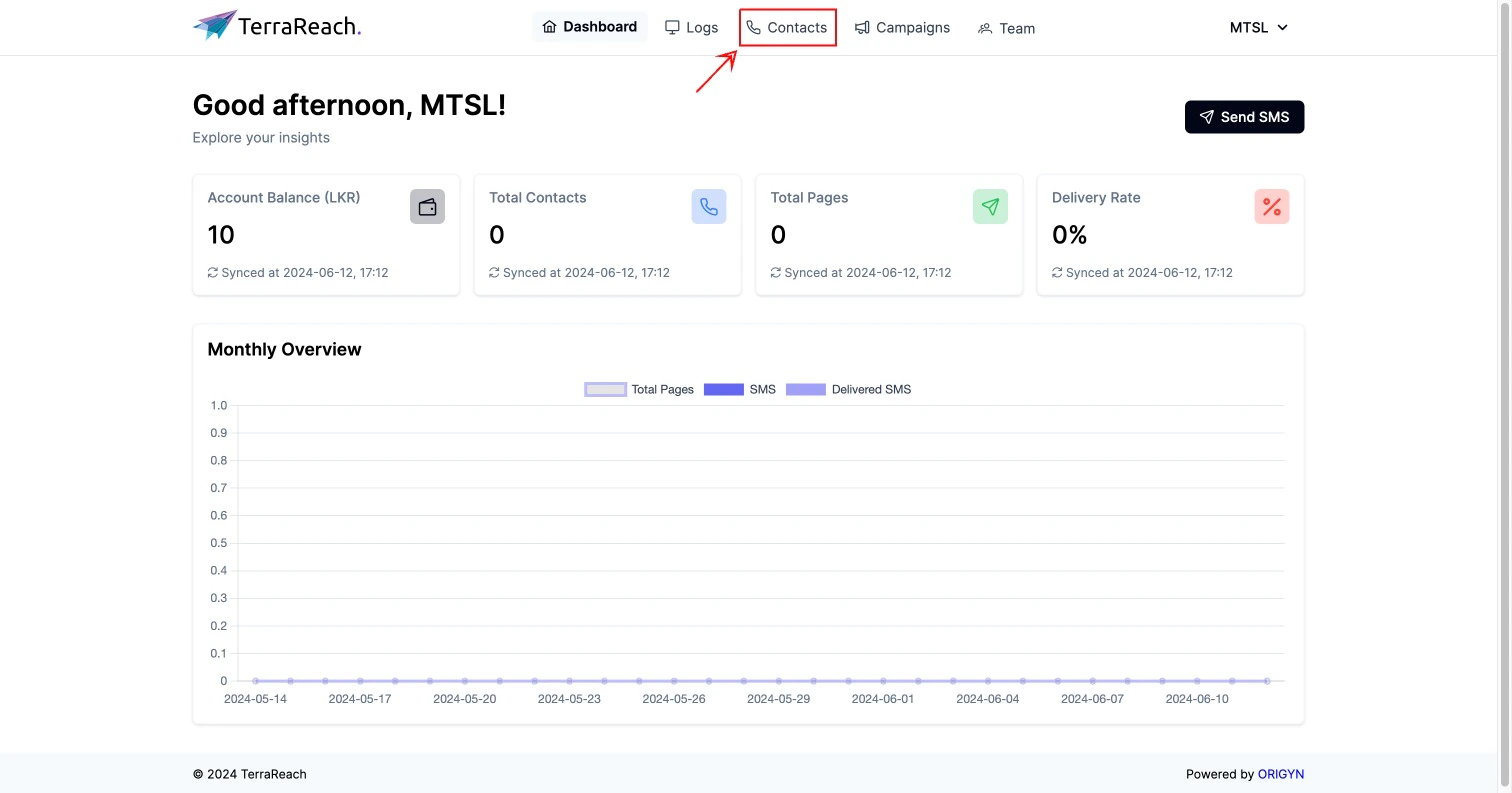 Then you’ll be directed to the "Contacts" page where you can add contacts to your account. Here, you can add contacts one by one or by using a CSV file that contains a large number of contacts.
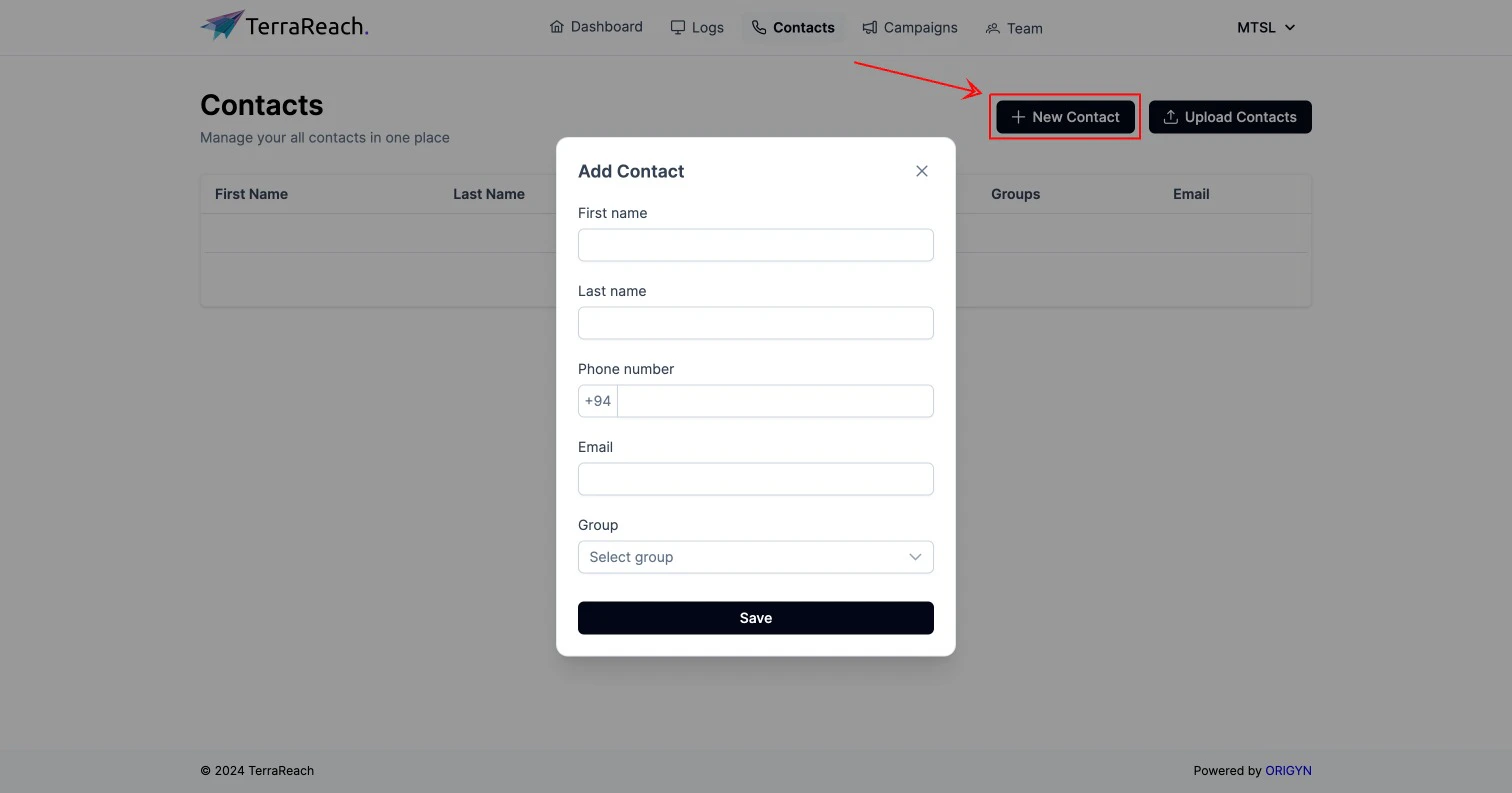
 If you click on the "New Contact" button, a modal will appear to add contact details. Here, you can add each contact detail one by one if you have only a few contacts to add. Additionally, you can create contact groups for better organization of your contacts.
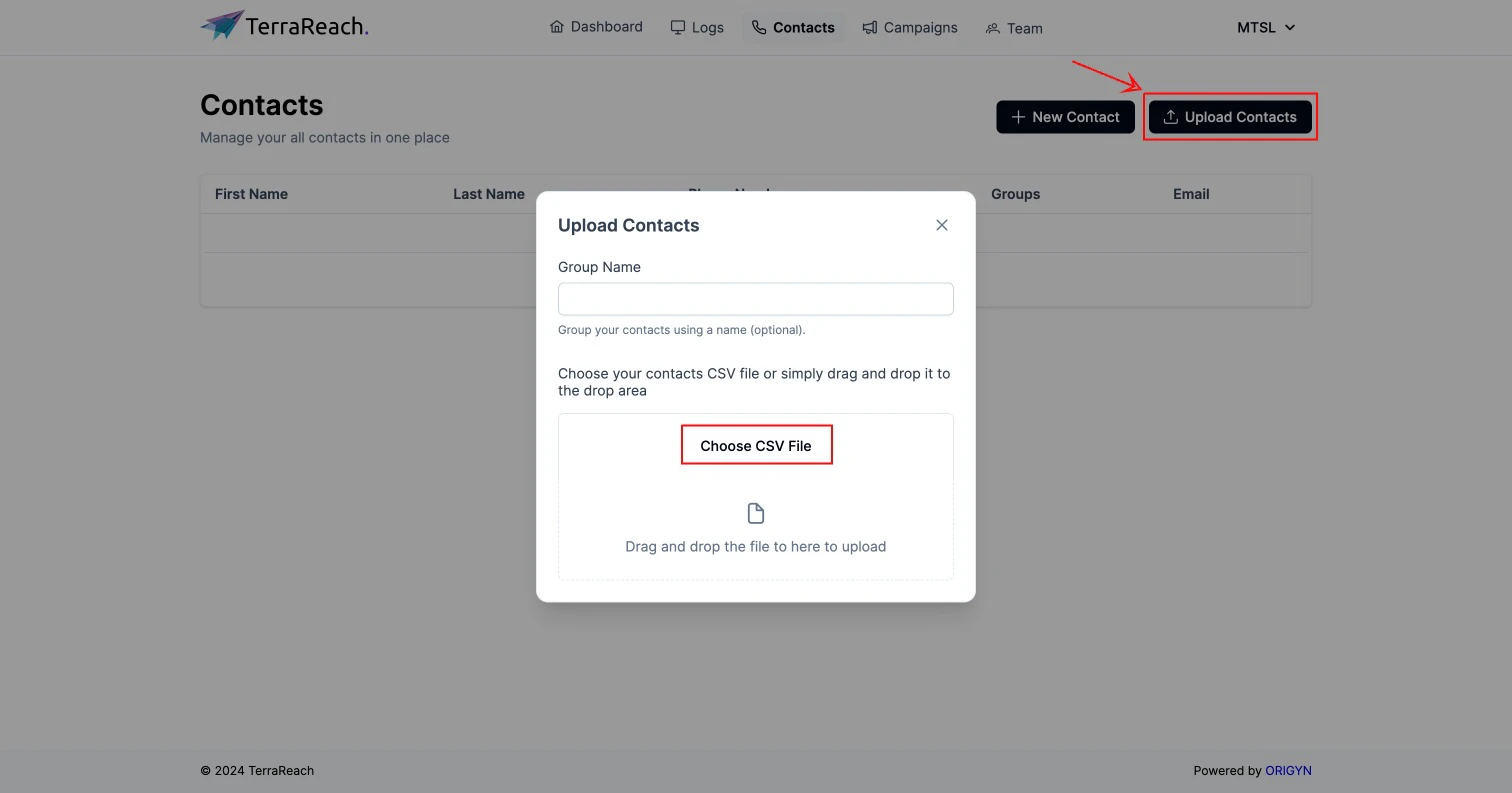
 If you click on the "Upload Contacts" button, a modal will appear where you can upload contacts using a CSV file. You can drag and drop a CSV file or click on the "Choose CSV File" button to add it. Here, you can also create a group for your uploaded contacts.
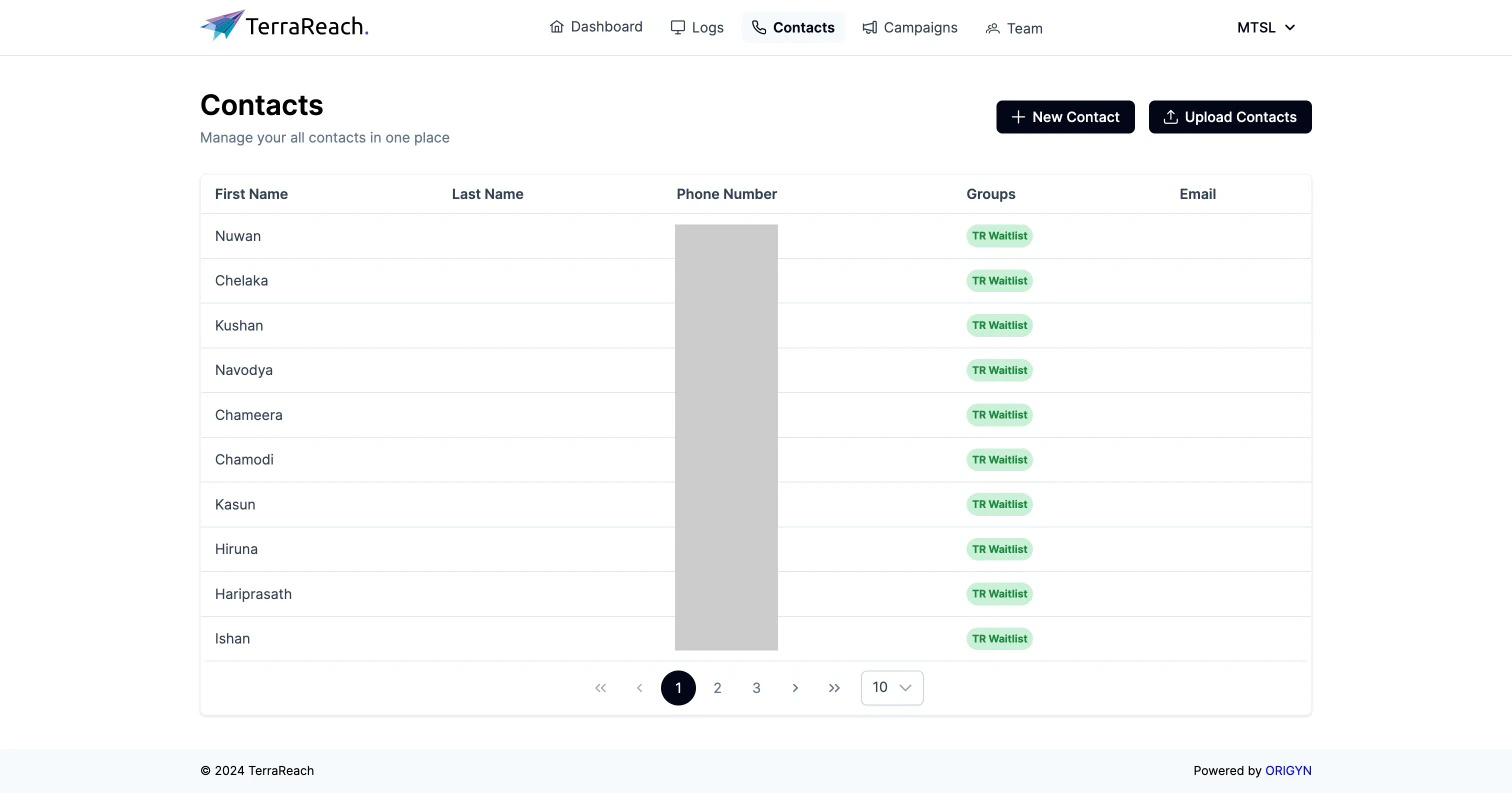
 Once added, these contacts will be displayed like this for you to create SMS campaigns.